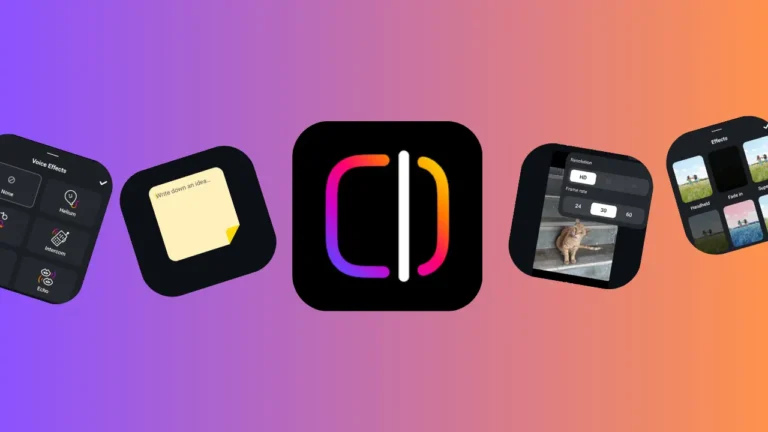
Instagram has officially launched its much-anticipated standalone app, Edits, designed to streamline the creation of Reels and short-form videos. Available globally on both iOS and Android, Edits provides a suite of powerful editing tools that address long-standing limitations in Instagram’s native features—empowering creators with more control, precision, and creative flexibility.
Getting Started with Edits
Getting up and running is simple. Download the Edits app from the App Store or Google Play and log in using your Instagram credentials. If you already have Instagram installed, you’ll see a ‘Continue with Instagram’ option for a seamless sign-in experience.
Inside the App: Key SectionsThe app’s interface is clean and user-friendly, divided into several key sections:
- Home: View ongoing projects or start new ones.
- Camera: Record directly within the app.
- Projects: Access and manage saved edits.
- Inspiration: Explore trending Reels, creator insights, and creative prompts.
- User Menu: Access settings, preferences, and a stickies feature for saving content ideas—similar to sticky notes on a desktop.
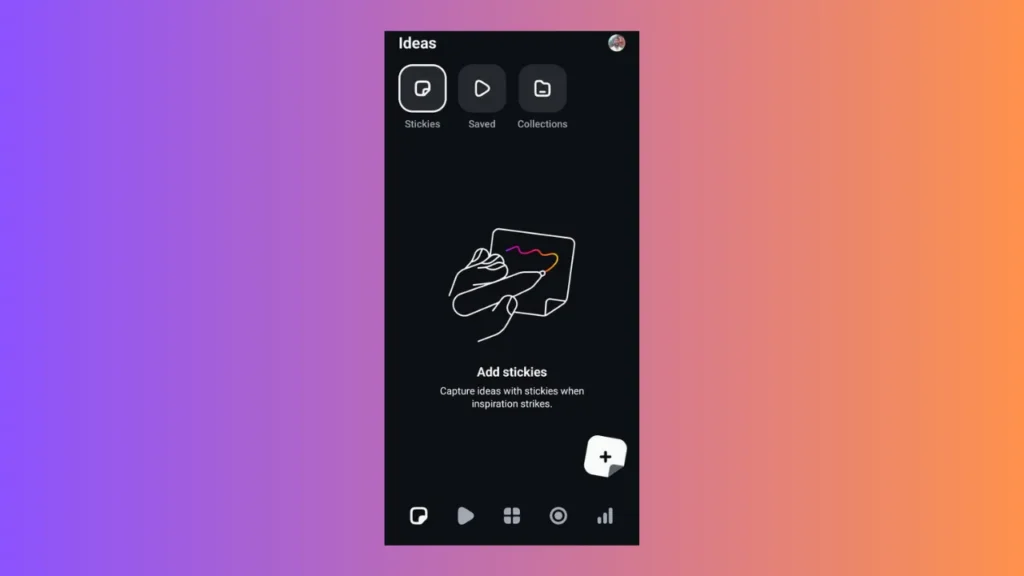
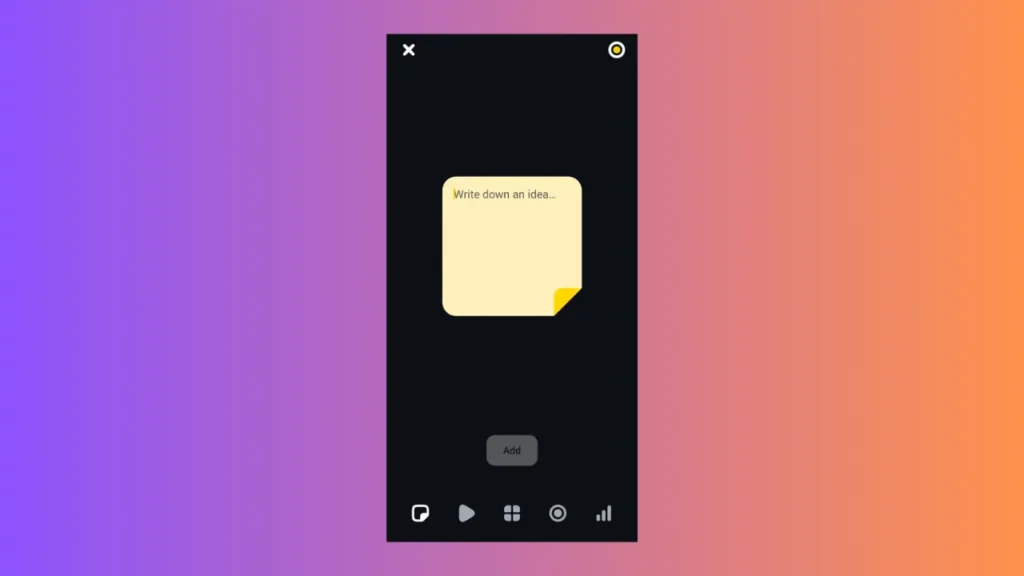
Stickies to save ideas
Advanced Filming Capabilities
Recording within Edits offers professional-level control. You can:
- Shoot in up to 4K resolution
- Adjust frame rates to 24, 30, or 60 FPS
- Use green screen effects, beauty filters, and facial touch-ups
- Import footage from your phone’s gallery for more flexible editing
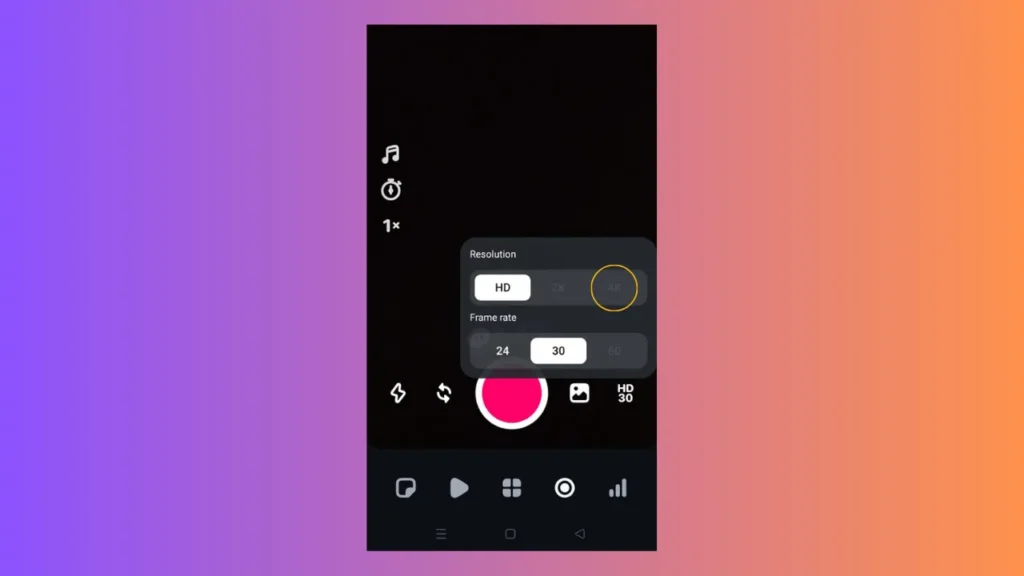
Camera and resolution options with 4K
Powerful Editing Tools
The standout feature of Edits is its frame-accurate timeline, giving creators pinpoint control over clip length, order, and transitions. Key editing functions include:
- Trim, split, and rearrange clips
- Apply AI-powered visual effects, filters, and background cutouts
- Add animated text, captions, and subtitles for accessibility and engagement
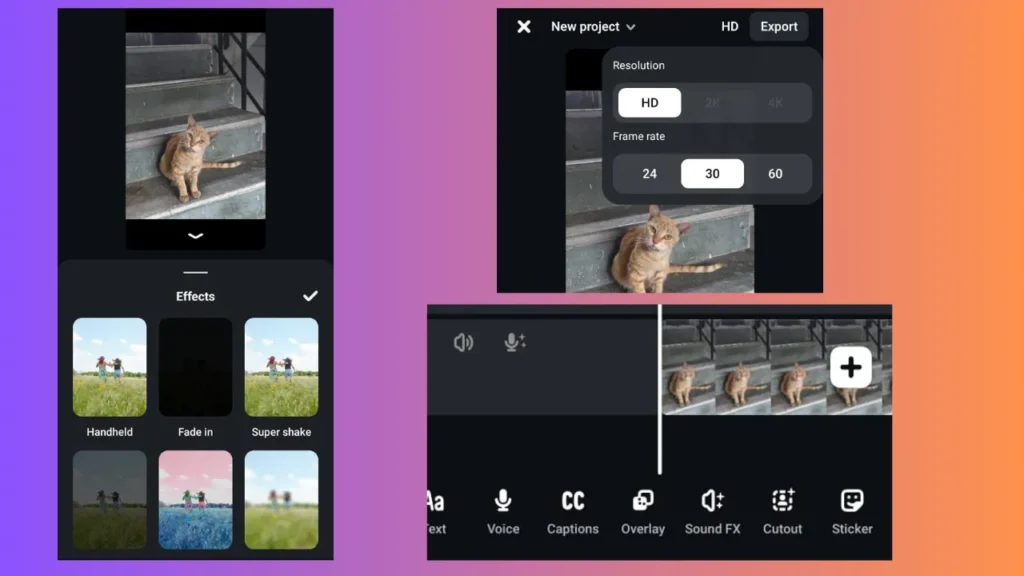
Effects, Snapshot of the Timeline and Export options
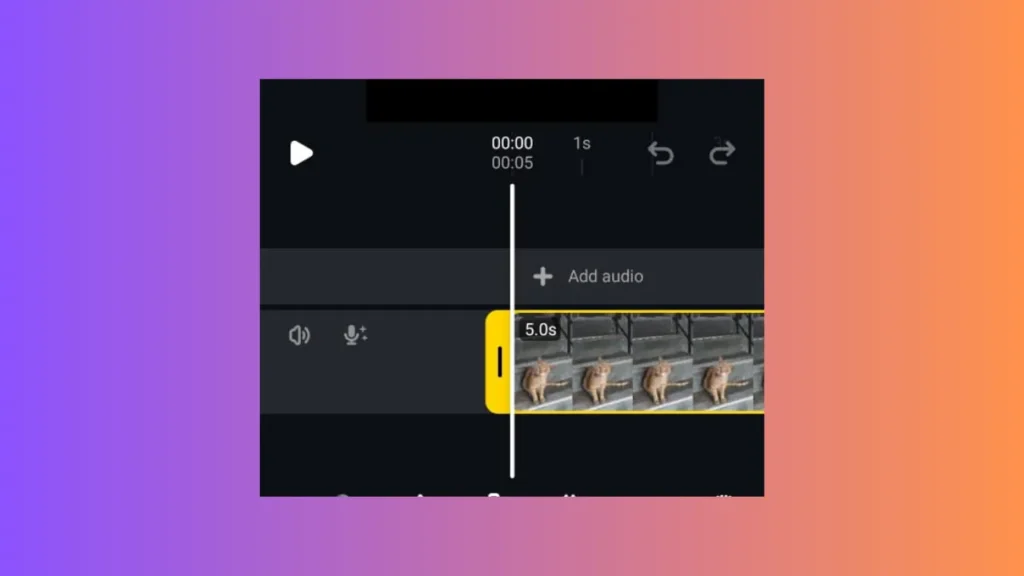
Enhanced Audio Control
Edits doesn’t stop at visuals. It comes packed with audio tools that let users:
- Add and manipulate voice effects
- Include sound effects and background music
- Extract and fine-tune audio from video clips
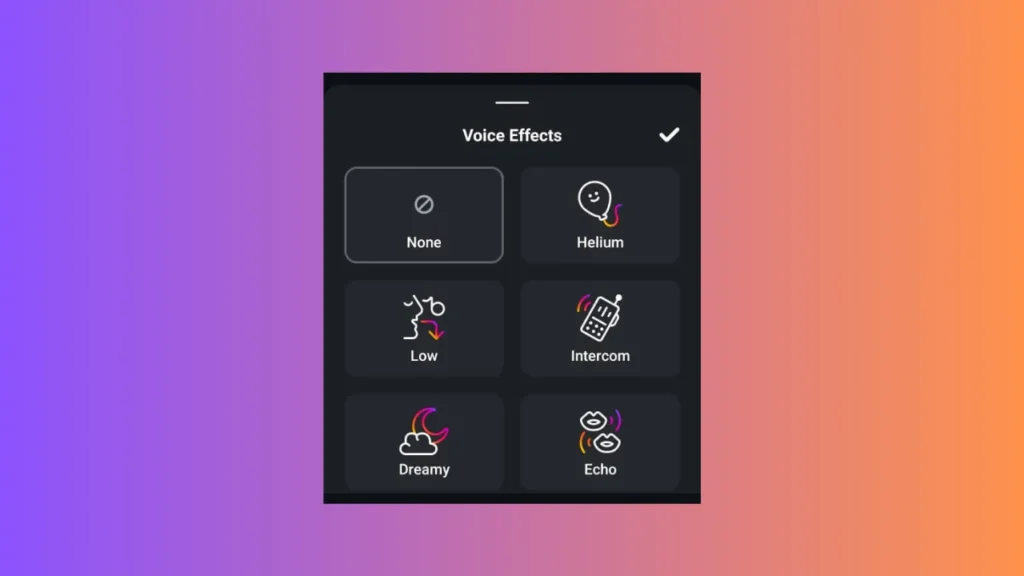
Audio effects
Smarter Project Management
All edits are automatically saved, reducing the risk of losing work mid-edit. The Projects tab helps you track multiple videos in progress, making content planning easier than ever.
Data-Driven Inspiration
The Inspiration and Insights tabs offer valuable tools to guide content creation:
- Discover trending Reels and popular audio tracks
- View performance analytics to optimise your posts
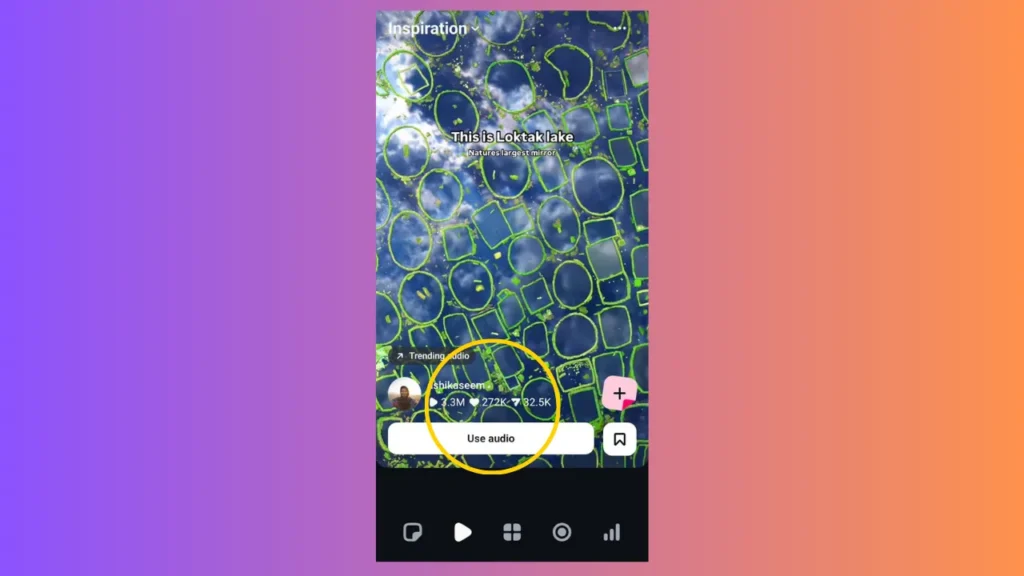
Inspiration tab
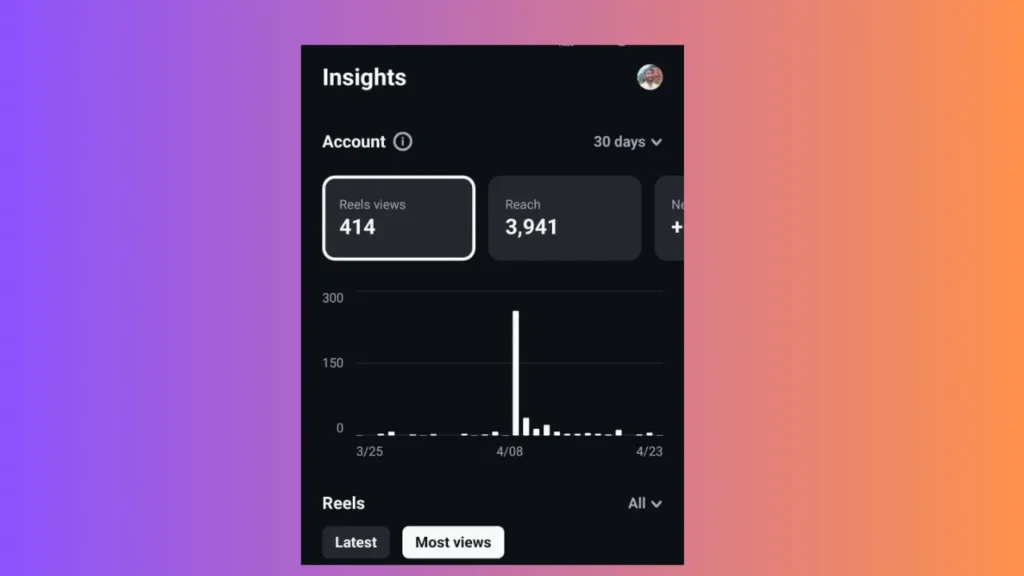
Insights tab
Seamless Publishing
Once your video is ready, you can:
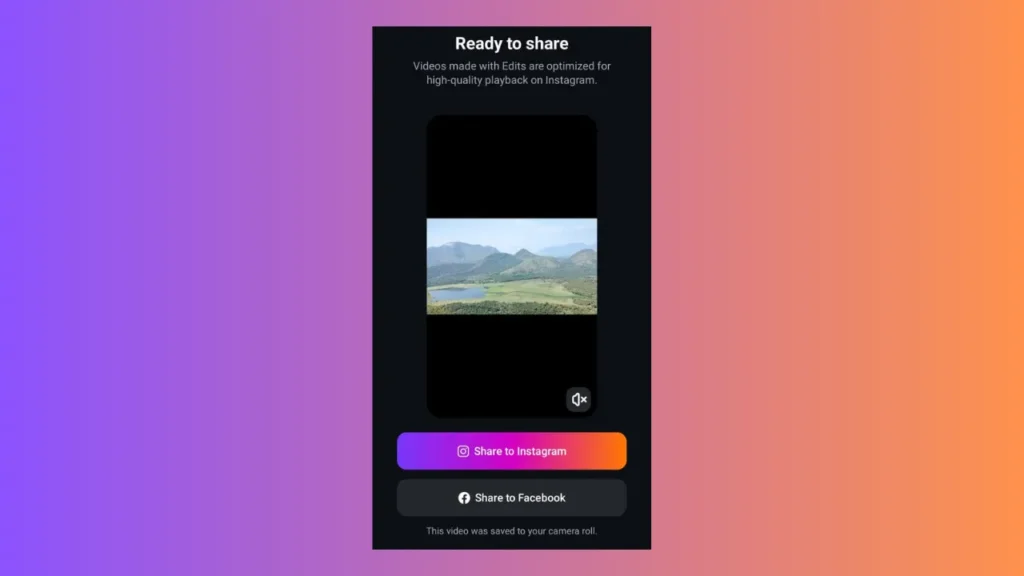
- Export in high quality, watermark-free
- Post directly to Instagram or Facebook
- Save locally for cross-platform sharing on TikTok, YouTube Shorts, or WhatsApp
What’s Coming Next
Instagram has confirmed that Edits will receive ongoing updates shaped by user feedback. Upcoming features include:
- Keyframe animation tools for detailed motion effects
- AI-driven enhancements for visuals and transitions
- Collaborative editing for group projects
- An expanded library of fonts, audio options, and transitions
A Creator’s All-in-One Video Toolkit
With the launch of Edits, Instagram is meeting a core need among its creator community—bringing together filming, editing, and publishing in one mobile-first platform. As short-form video continues to dominate digital storytelling, Edits positions itself as a must-have tool for creators who want speed, control, and creative freedom at their fingertips.
Whether you’re a seasoned content creator or just starting out, Edits is a powerful ally for elevating your video game—on Instagram and beyond.
Would you like a version tailored for a social media post, press release, or tutorial format?